Step 1: Receive a Bid
The very first thing we want to do in Launchpad is help you grow your business using the platform, so this first step is a BIG deal!
Once your hotel is all setup and you (or your team) are logged into the portal, the magic begins! You’ll start getting RFPs from Event Organizers and Travel Professionals right through the platform. Wondering how you’ll know when a new RFP comes in? Simple! You’ll get an email notification and a notification inside the platform.
Platform Notifications: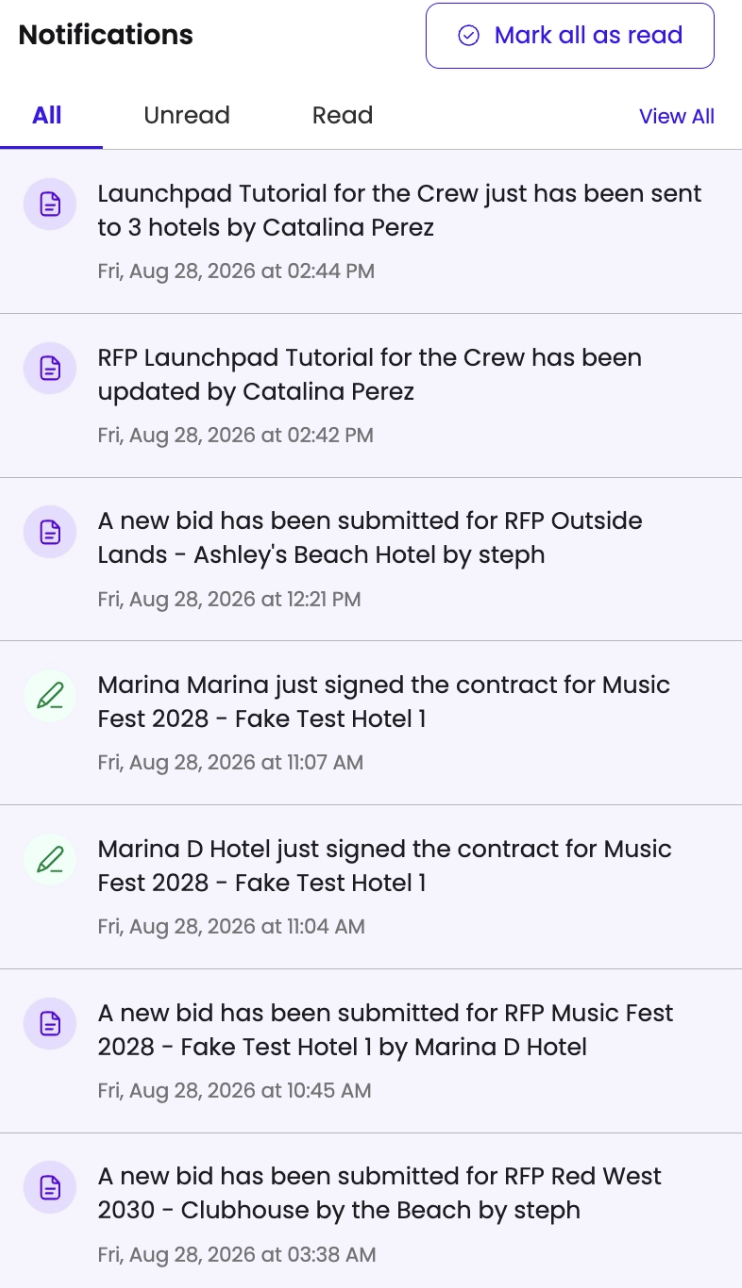
Email Notifications: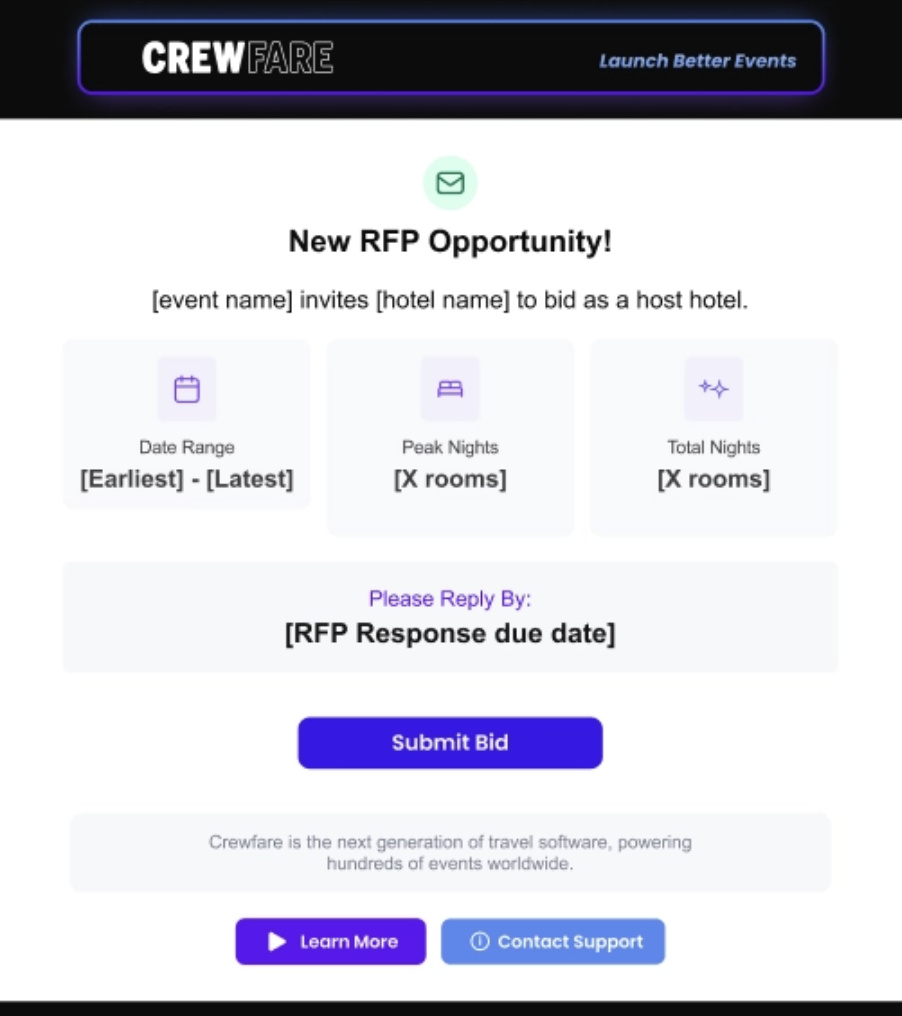
Note: It’s important that you send an RFP response before the due date! After the due date, you will no longer be able to send a bit to the Event Organizers.
Was this article helpful?
That’s Great!
Thank you for your feedback
Sorry! We couldn't be helpful
Thank you for your feedback
Feedback sent
We appreciate your effort and will try to fix the article